

AI Takes Over Power Button: Is One-Click Shutdown a Lost Right?
Smartphone makers are repurposing the power button to launch AI assistants instead of the traditional shutdown menu, forcing users to learn new key combinations for basic power-off, a trend started by iPhone X and now widespread across Android, though most brands hide an option to restore the original behavior deep in settings.
Reading font
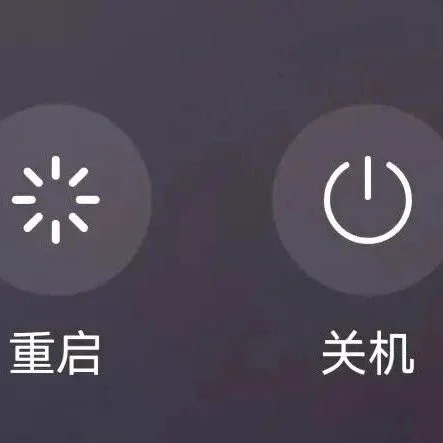
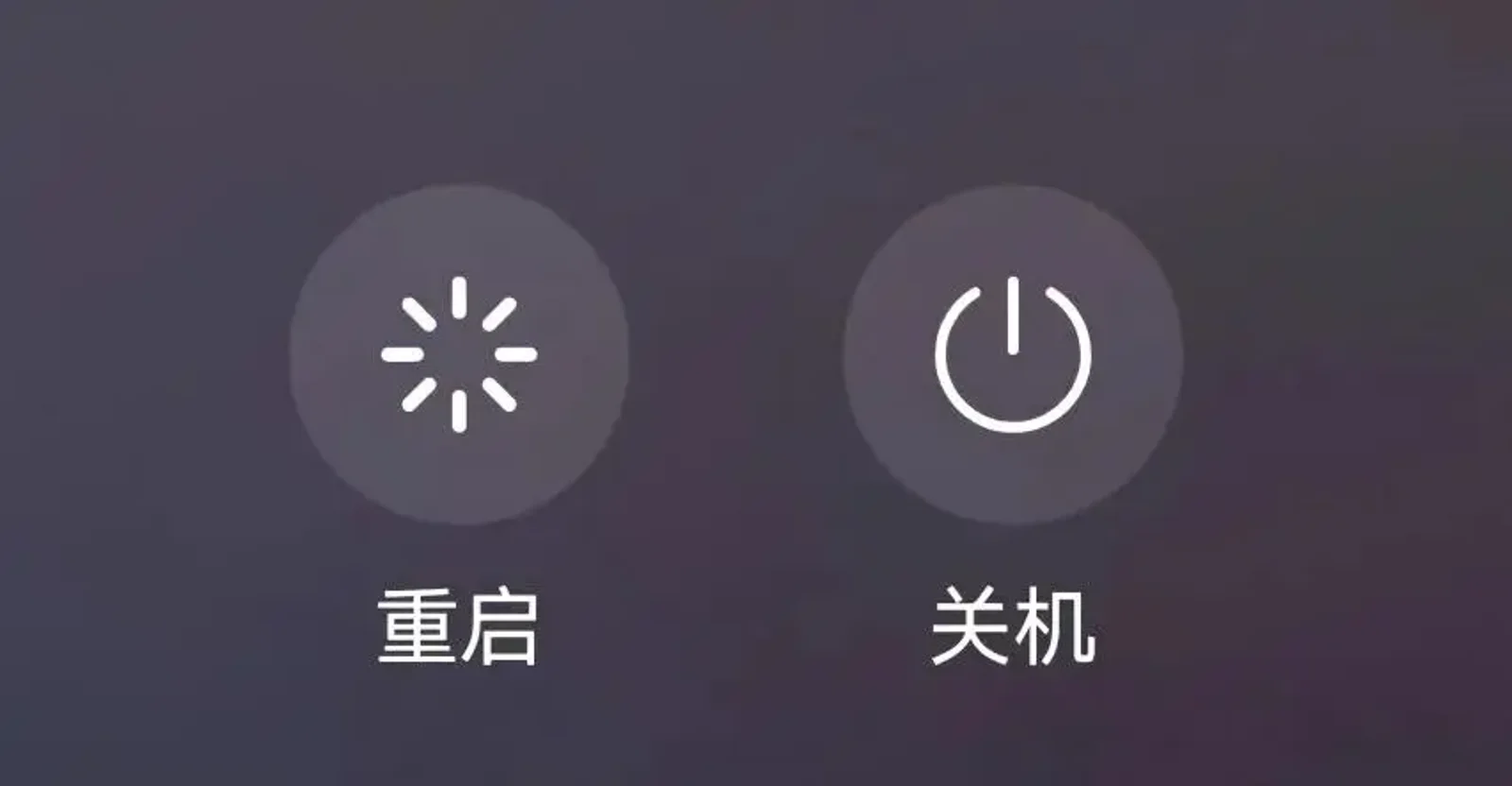
Power Button Repurposed for AI Access
For years, long-pressing the power button brought up the shutdown menu — a muscle memory for generations of users. On many new models, that action now wakes the manufacturer's AI assistant, while shutting down requires a simultaneous press of the volume-up and power keys.
Why Manufacturers Made the Change
The shift is driven by a push to embed AI assistants into the most accessible hardware control. The power button is pressed dozens of times daily, making it the shortest interaction path to an AI feature. Adding a dedicated AI button would cost more and consume scarce internal space, so repurposing the existing key is cheaper.
Multiple AI Entry Points
Brands have deployed seven or more AI invocation methods:
Voice wake-word activation
Dedicated physical AI button on some flagships
Edge-swipe gesture to reveal a bottom bar
Persistent dock bar (e.g., Huawei, Xingmang)
AI prompt embedded in the home-screen search box
Negative-one screen (left swipe) showcasing AI services
Standalone AI app as a fallback
This saturation shows a deliberate strategy to make AI unavoidable in daily use.
Historical Precedent: iPhone X (2017)
Apple removed the front Home button on the iPhone X and assigned long-press of the side button to Siri, moving shutdown to a side-button-plus-volume-key combo. Android vendors followed suit, and Google later changed Pixel's default long-press behavior to launch its AI assistant, requiring users to dig into settings to revert.
Security Justification
Manufacturers also cite preventing accidental shutdowns (e.g., pocket presses) and hindering thieves from quickly turning off a stolen device, which would disable find-my-phone features. The combination key does raise the barrier slightly.
Restoring the Old Behavior
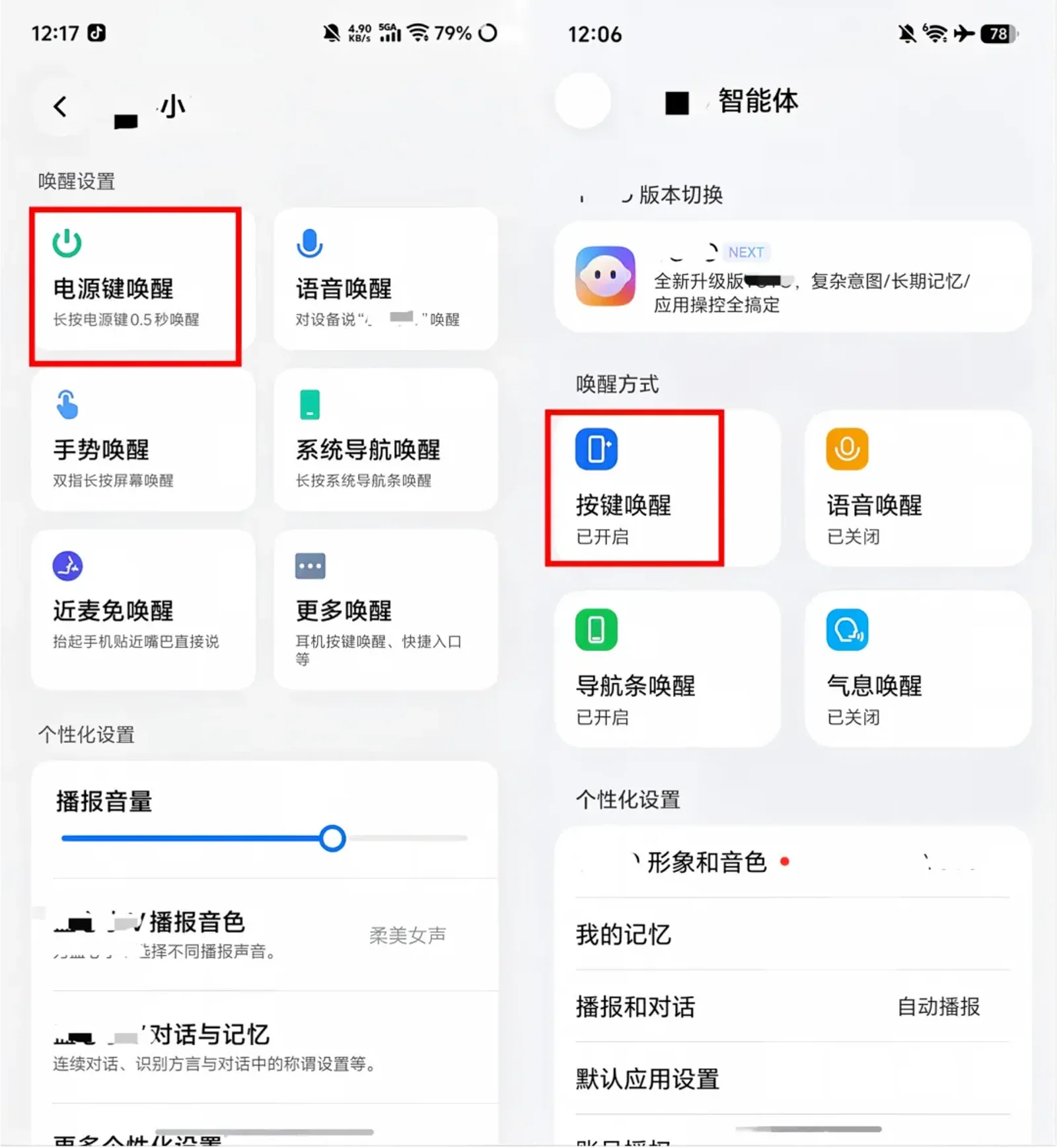
Most brands provide a hidden setting to map long-press back to the power menu, typically found by searching for "power button function" in system settings. However, the option is buried, and average users — especially older adults — may never discover it.
Author's Perspective
While AI integration is understandable, it should not come at the cost of the basic "freedom to shut down." Keeping long-press power as a guaranteed shutdown path is technically trivial and would save users unnecessary friction, particularly in urgent situations like overheating or malware compromise.
Code example
来源
丨
转自
电脑报(ID:CQCPCW)
作者
丨
CCFor questions about attribution, corrections or content rights, please contactand we will review it promptly.