

Explore 20 Classic Python Games with freegames – Install, Play, and Learn
This guide introduces the freegames Python library, showing how to install it, explore its 20+ classic games such as Snake, Pac‑Man, and Pong, view source code, and use simple commands to run and study each game for learning Python game development.
Reading font
Introduction
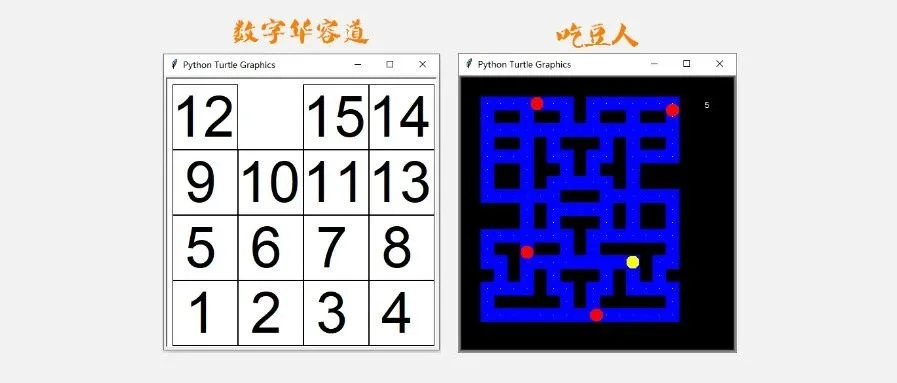
Today we share an interesting Python game library freegames, which includes more than 20 classic mini‑games such as Snake, Pac‑Man, Pong, and a numeric puzzle, built on the standard Turtle module.
1. Installation
Install the latest version (2.3.2) with a single pip command:
pip install freegames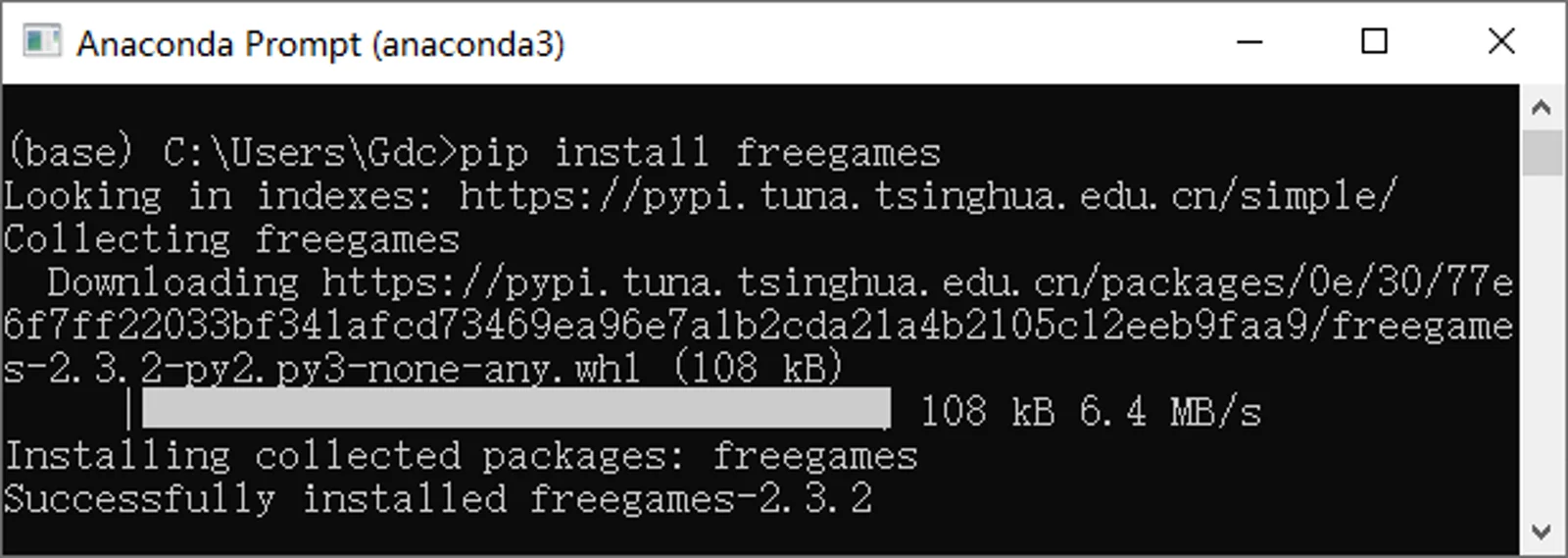
2. Basic Usage
After installation you can list the available games:
# List games in Jupyter notebook
!python -m freegames list
# List games in command line
python -m freegames list
Show help and import the library:
help(freegames)
import freegames
freegames?
3. Game Demonstrations
Run the following commands to play some of the games:
Paint – draw lines and shapes.
!python -m freegames.paint
Snake – classic arcade snake.
!python -m freegames.snake
Pac‑Man – eat all white dots while avoiding ghosts.
!python -m freegames.pacman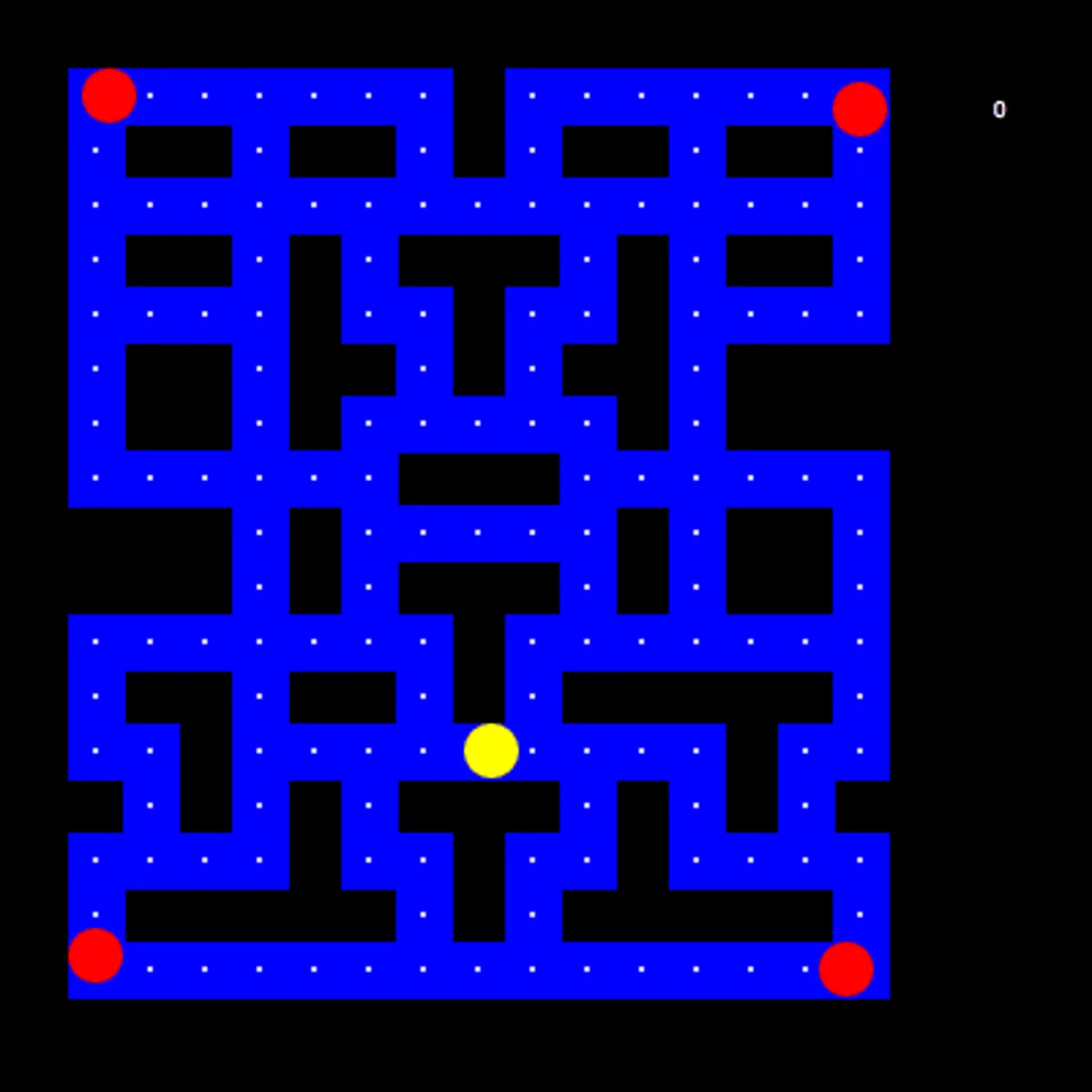
Cannon – tap the screen to fire at balloons.
!python -m freegames.cannon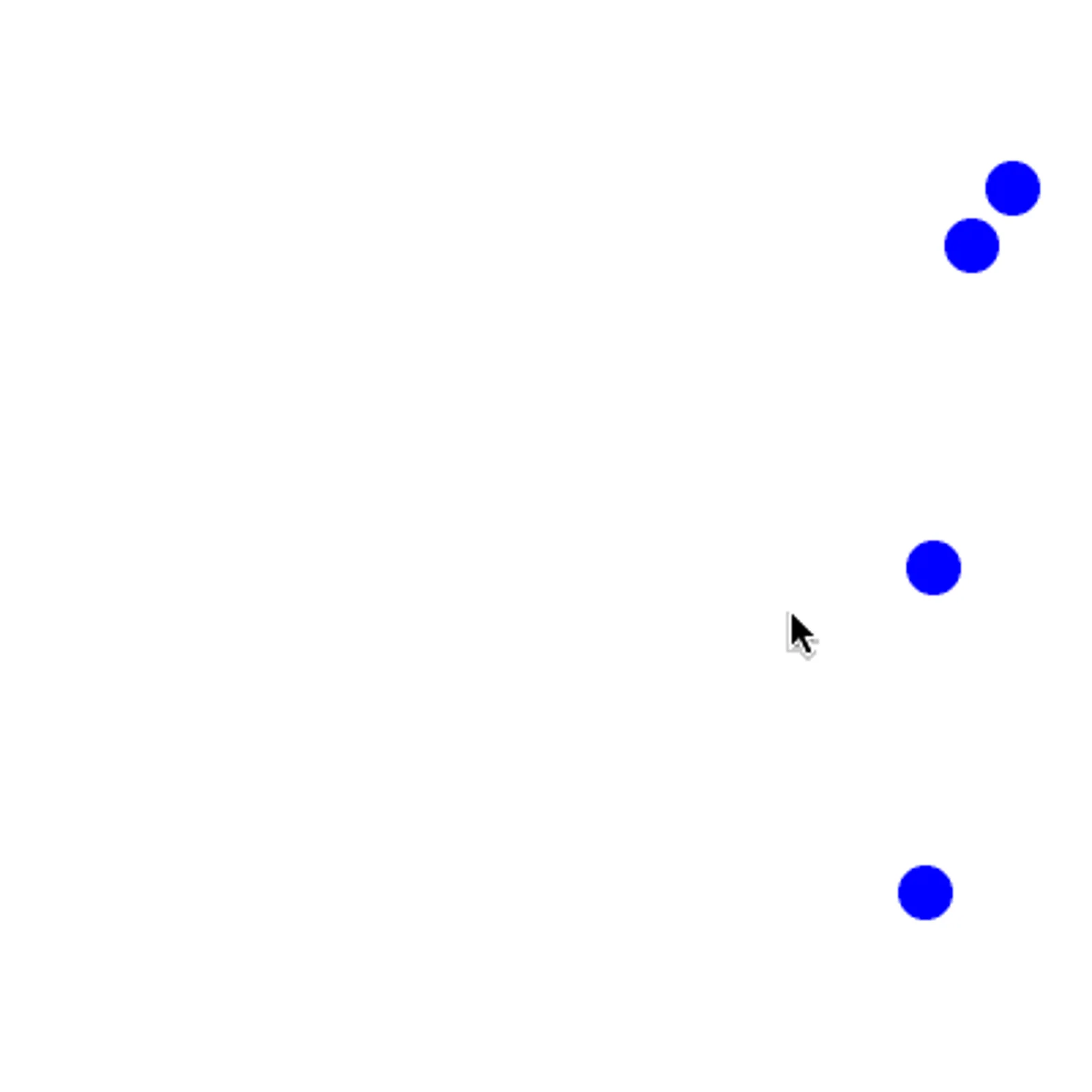
Flappy‑Bird – tap to flap wings.

Pong – move the paddle with up/down keys.
!python -m freegames.pong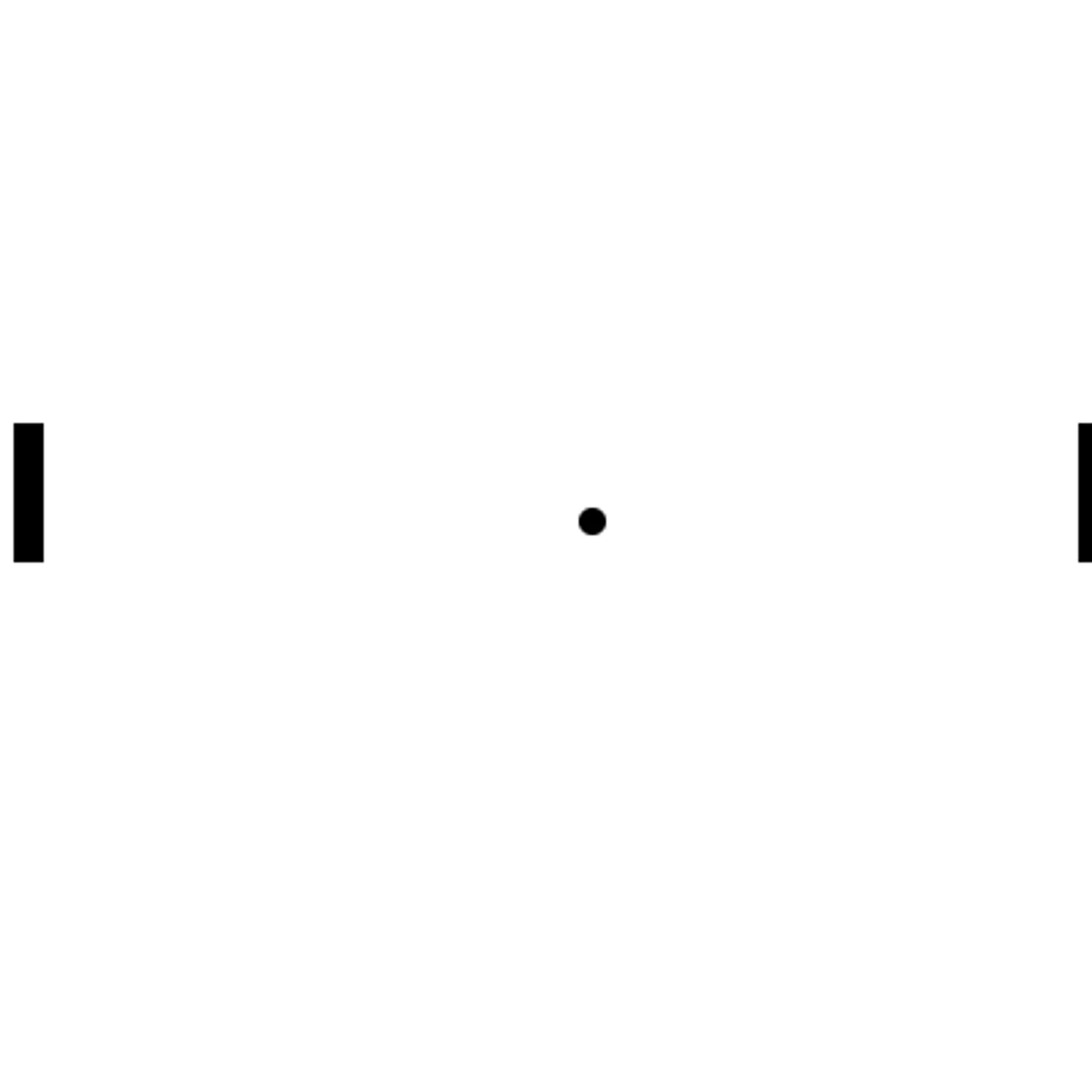
Tiles – numeric sliding puzzle.
!python -m freegames.tiles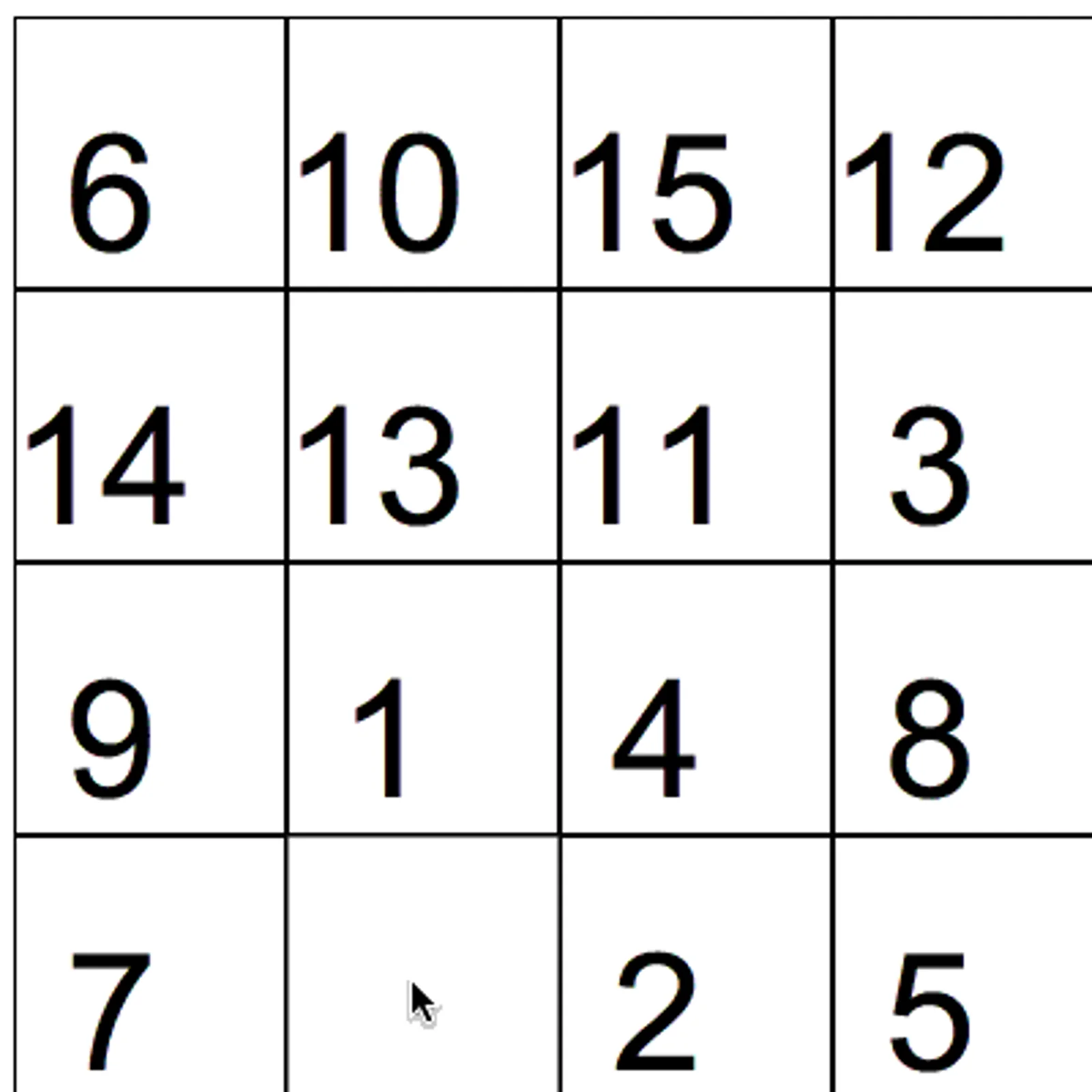
4. Viewing Source Code
You can copy a game's source files locally with the copy command and study the implementation:
!python -m freegames copy snake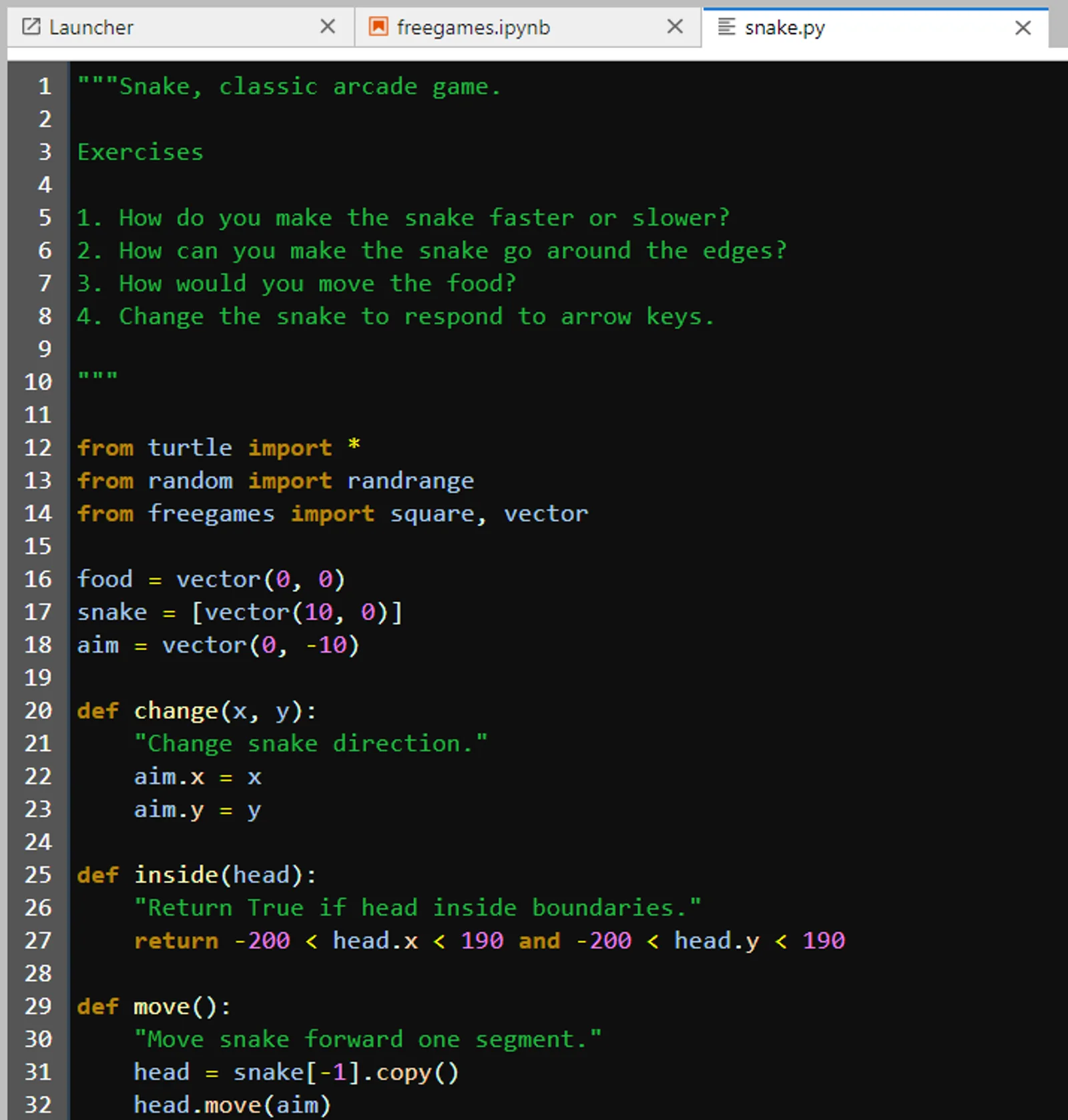
Explore the source to learn how Python games are written.
Enjoy installing the library, playing the games, and using the code as a learning resource for Python game development.
For questions about attribution, corrections or content rights, please contactand we will review it promptly.