

Linux for Beginners: 4 Distros That Fit Your Workflow (Mint, Ubuntu, Zorin, Fedora)
This guide compares four beginner-friendly Linux distributions—Linux Mint, Ubuntu LTS, Zorin OS, and Fedora Workstation—matching each to specific user needs like familiar desktop layouts, development environments, visual polish, and cutting-edge GNOME features, while emphasizing live USB testing before installation.
Reading font
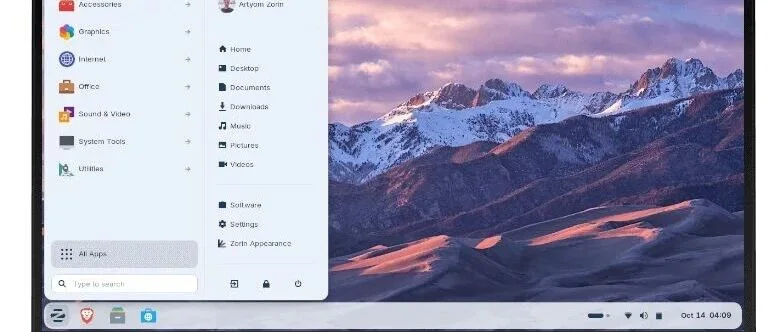
Distribution vs. Desktop Environment
A Linux distribution bundles the kernel, installer, software repositories, and system tools, and handles updates. The desktop environment determines menu placement, window switching, and settings appearance. The same distribution can offer multiple desktop variants.
Before downloading, verify two things: whether the workflow matches your habits, and whether your essential applications run. For example, test a complex spreadsheet you use daily in the new system.
Linux Mint: Familiar Desktop for Windows Users
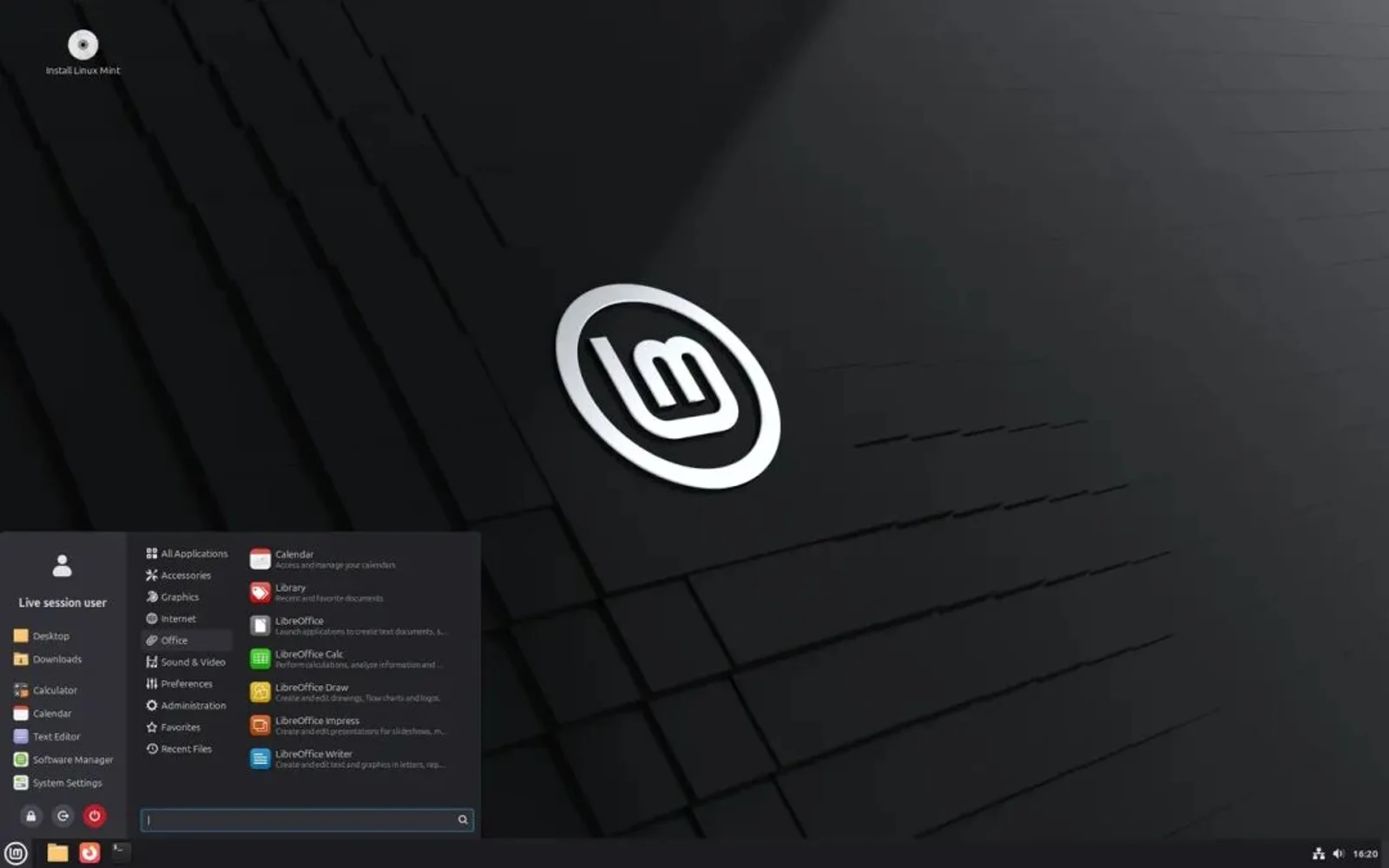
If you are used to the Windows Start menu and bottom taskbar, try Linux Mint's Cinnamon edition . Opening apps, finding files, and viewing notifications follow familiar patterns. The Software Manager lets you search for PDF viewers, music players, and other apps, while Update Manager handles system updates centrally.
For older hardware where you want to minimize desktop overhead, consider the Xfce edition . Its interface is simpler and lighter on resources. However, browser tabs and video decoding still depend on your RAM and CPU. Test with your actual workload after choosing.
Ubuntu LTS: Best for Following Development Tutorials
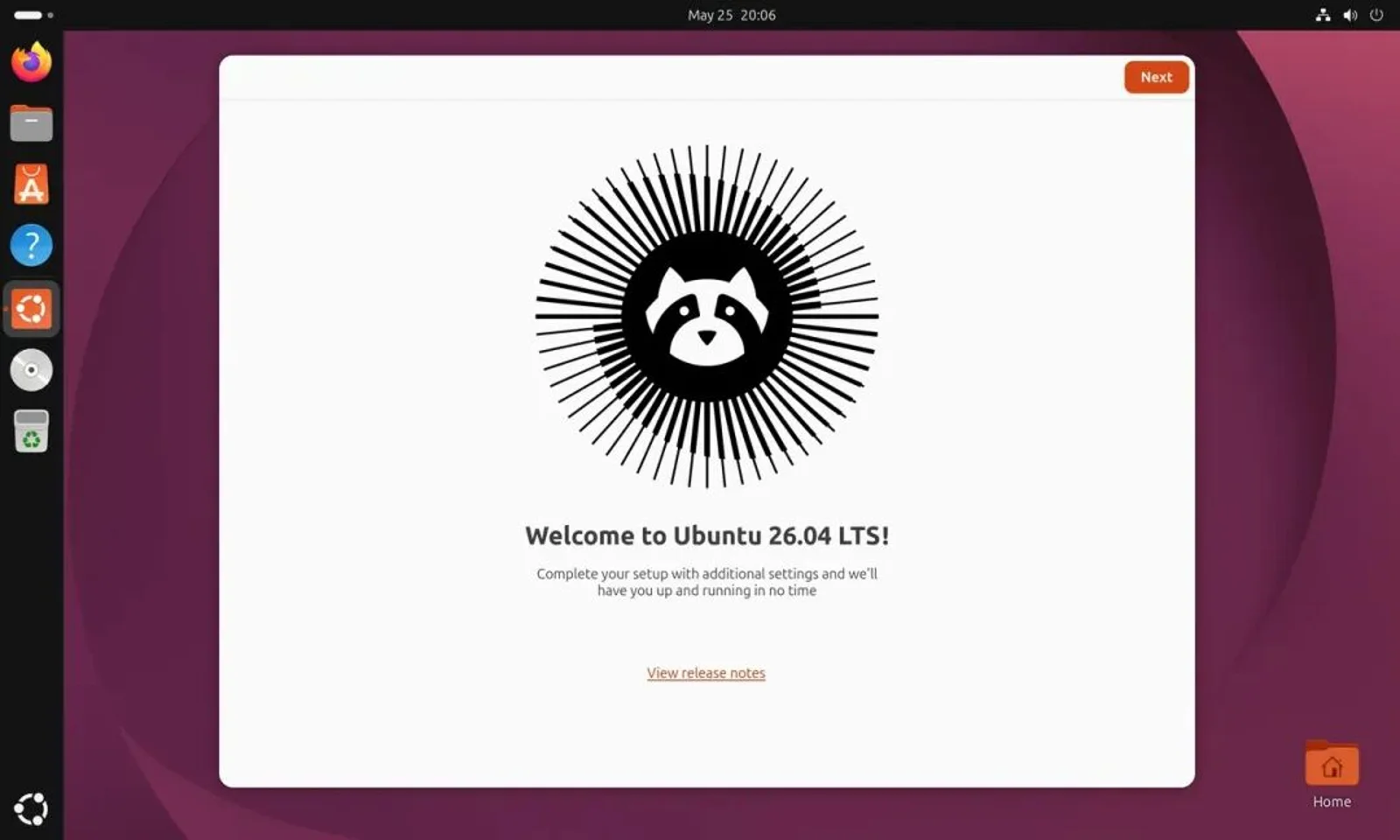
If you plan to learn Python, build websites, or work with servers, Ubuntu LTS is a strong starting point. Many development tools provide Ubuntu-specific installation guides, and dependency or environment issues often have documented solutions.
LTS stands for Long Term Support. To keep a system running longer, start with an LTS release still within its support window. When following tutorials, cross-check the tutorial's system version. Ubuntu's default desktop uses a left-side app dock and a different window-switching approach; try it in a live session first. Begin learning by creating folders, installing an editor, and running a small program. Record your system version and any error messages to make later searches more effective.
Zorin OS Core: Polished Visuals and Layout Options
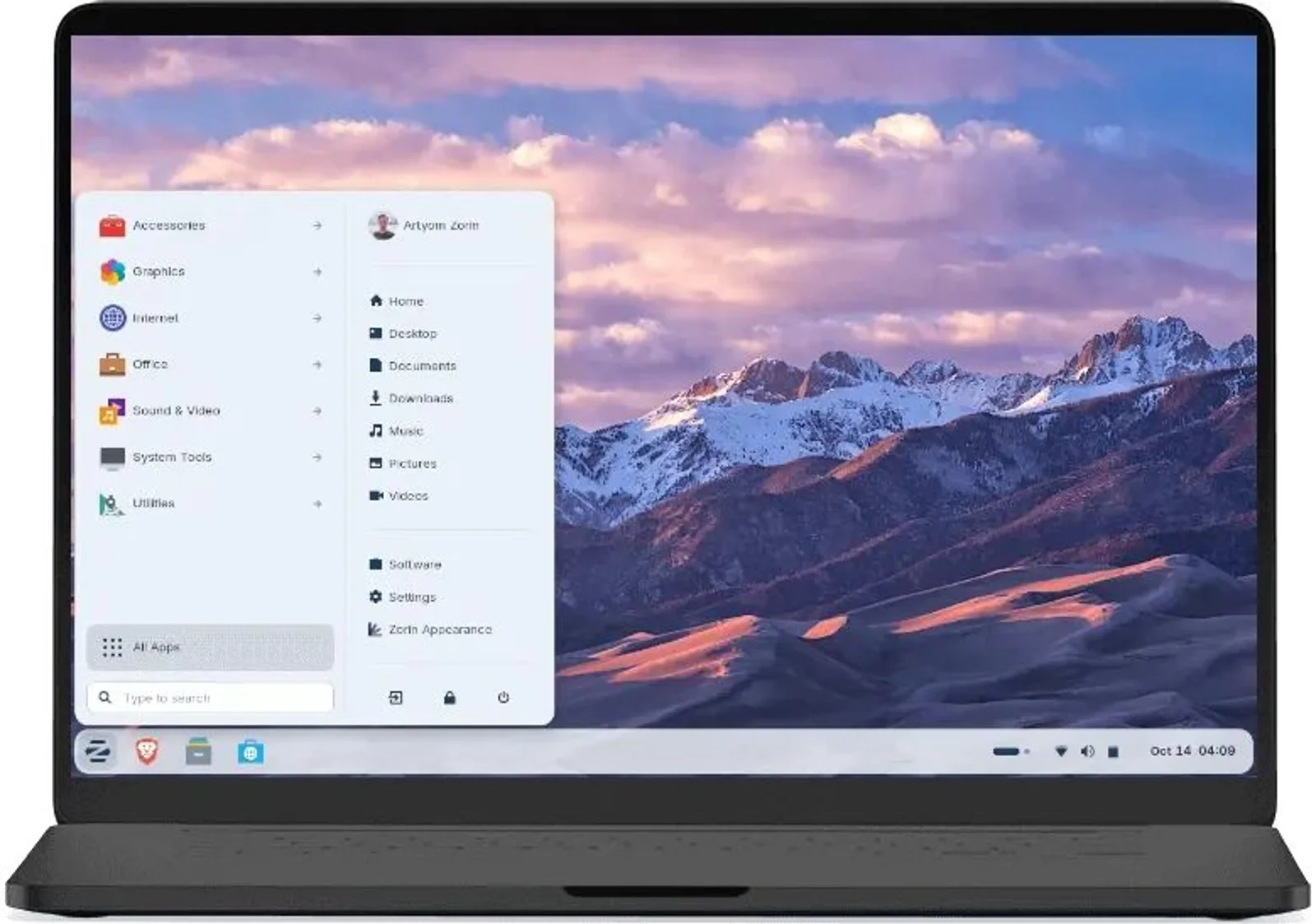
Zorin OS focuses on desktop layout and visual details. The Zorin Appearance tool lets you switch between provided layouts. The free Core edition includes common applications and four basic layouts, suitable for daily web browsing, video playback, and document editing.
When migrating software, prioritize native Linux versions or web alternatives. Zorin also offers Wine-based Windows app support; programs that need a compatibility layer must be tested individually for required features. Everyday office software especially deserves upfront verification.
Fedora Workstation: For Users Willing to Track Updates
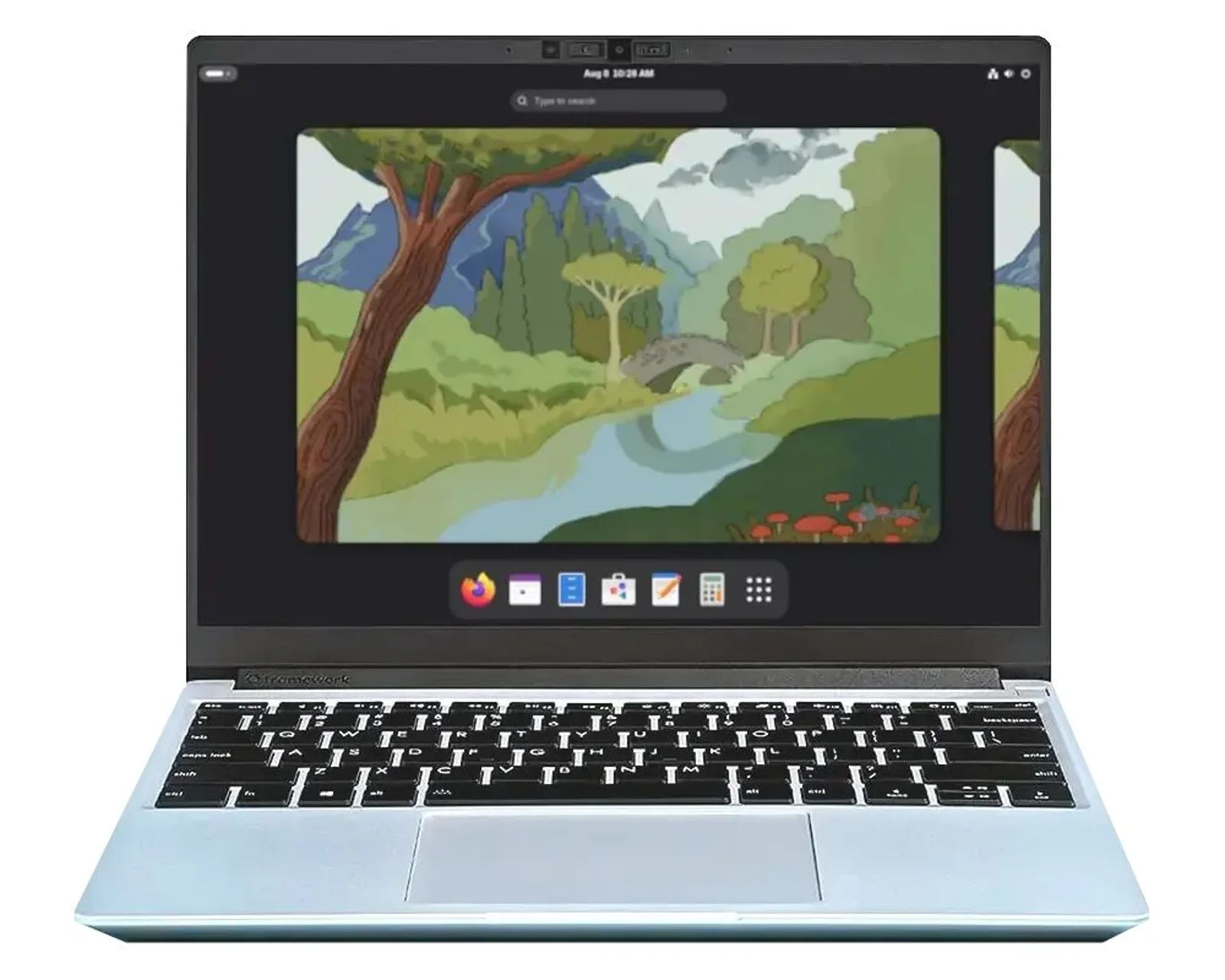
To experience a newer GNOME desktop and recent open-source technologies, try Fedora Workstation . Application search, workspaces, and the window overview are central to daily use. You can place a browser and an editor on separate workspaces and switch between them.
Choosing Fedora means accepting its maintenance rhythm. Each release receives updates for about 13 months , requiring periodic upgrades to a supported version. If you are willing to learn about version changes and occasionally adjust settings after upgrades, Fedora is great for learning while using. The graphical Software Center helps install common tools first, after which you can gradually explore the terminal.
Quick Reference by Use Case
Keep familiar desktop habits → Mint Cinnamon (focus: menu and taskbar)
Reduce desktop overhead on old hardware → Mint Xfce (focus: daily responsiveness)
Learn development, follow install docs → Ubuntu LTS (focus: tool and tutorial versions)
Prioritize appearance and layout flexibility → Zorin OS Core (focus: layouts and common apps)
Try newer desktop technologies → Fedora Workstation (focus: workflow and upgrade cadence)
If undecided, start with Mint Cinnamon or Ubuntu LTS. Use it for everyday tasks—web browsing, downloading files, writing documents. Real experience will clarify what matters most to you.
Test with a Live USB Before Installing
All these distributions can boot from a USB stick into a live environment. Connect to Wi-Fi, play a video, adjust brightness, test the trackpad and an external monitor to see how your hardware performs. A virtual machine is good for learning the interface; a live USB is better for checking actual hardware compatibility. USB read/write speed also affects live-session load times.
Create a checklist of your must-have applications and test with real files. Verify Chinese input, document formatting, and video conferencing—these are more important than wallpapers.
When ready to install, back up important data first and review partitioning options carefully. Run your documents, tools, and peripherals through a full trial before deciding whether to adopt the system as your daily driver.
For questions about attribution, corrections or content rights, please contactand we will review it promptly.