

The Origin of grep: From ed's g/re/p to a Unix Legend
This article traces grep's 1970s Bell Labs origin from Ken Thompson's overnight creation for Doug McIlroy's dictionary search, explains how its name derives from ed's g/re/p command, compares 1973 and modern flag differences, covers egrep/fgrep evolution, and demonstrates practical log analysis using Unix pipes.
Reading font
The Problem: Searching Large Text in Early Unix
When troubleshooting faults, engineers often run grep 'ERROR' app.log to filter massive log files. But why is the command called grep? The answer goes back to 1970s Bell Labs, before Linux existed.
The Dictionary That Was Too Big for ed
Early Unix used the ed line editor. Its buffer size limited searching large files. Doug McIlroy, researching text-to-speech, needed to find words with specific letter combinations (e.g., ui in fruit, guile, build) in a dictionary too large for ed. He asked Ken Thompson to extract ed 's regex matching into a standalone file scanner. The next morning, Thompson delivered grep.
Brian Kernighan also recalls Lee McMahon wanting to analyze word usage in the Federalist Papers for authorship attribution, facing the same large-text problem. Multiple Bell Labs researchers needed efficient text search.
grep Comes from an ed Command: g/re/p
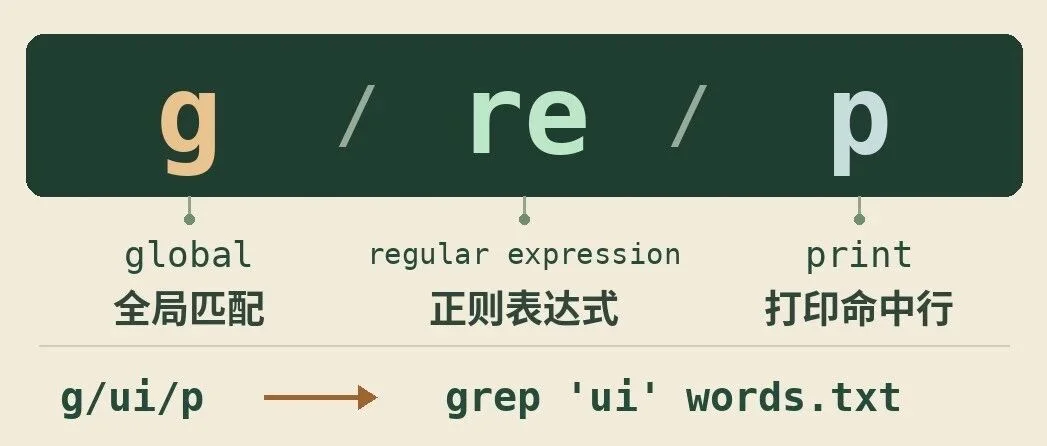
In ed, the command g/re/p means: g — global (search entire buffer) re — regular expression (the pattern) p — print matching lines
Removing the slashes yields grep.
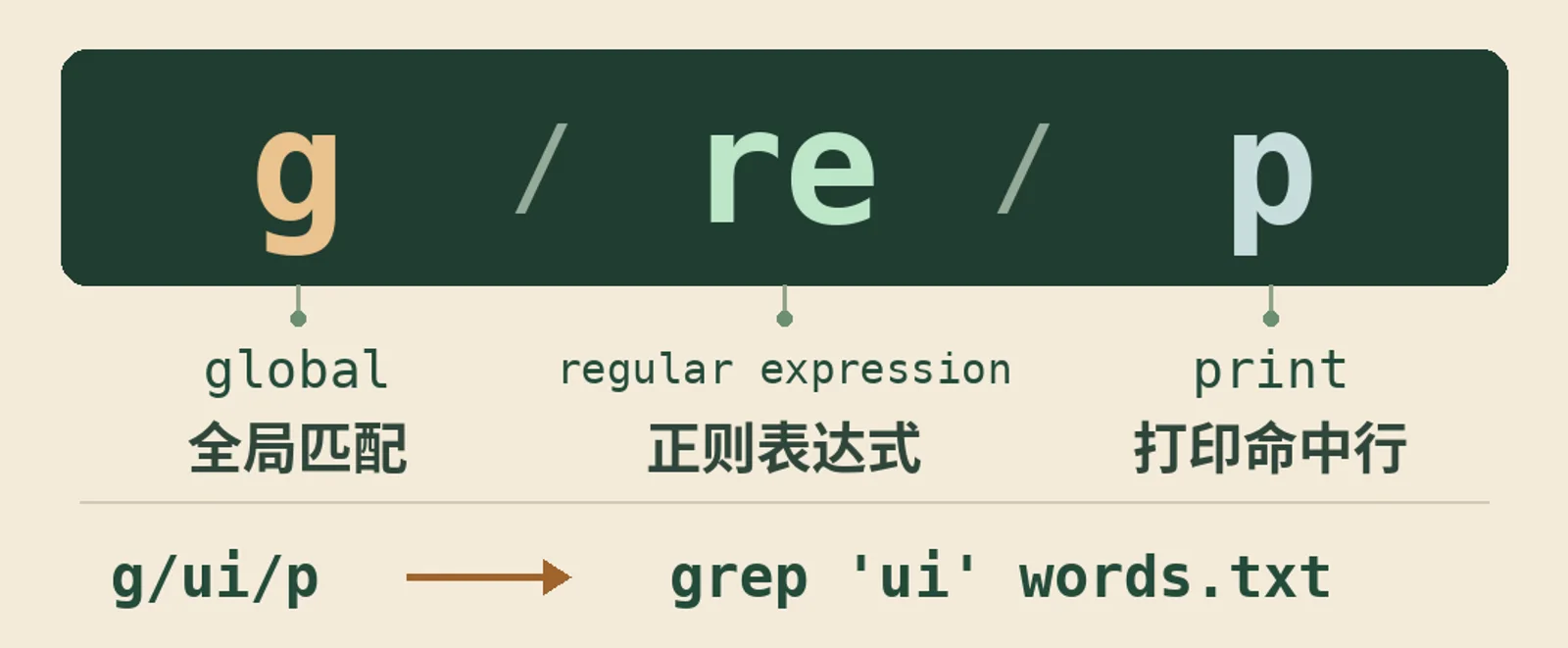
Example: a file words.txt with lines fruit, apple, guile, build. Inside ed:
ed -s words.txt
g/ui/p
q
Outputs fruit, guile, build. The equivalent standalone command: grep 'ui' words.txt By default, grep prints the whole matching line. Patterns can be complex regex or plain text.
1973 grep : Flags Were Different
The 4th Edition Unix manual (November 1973, man page dated March 3, 1973) already included grep. It read from files or stdin and printed matching lines. However, flags differed from today: -l printed line numbers (modern -n) -n counted matching lines (modern -c)
Line length limited to 512 characters
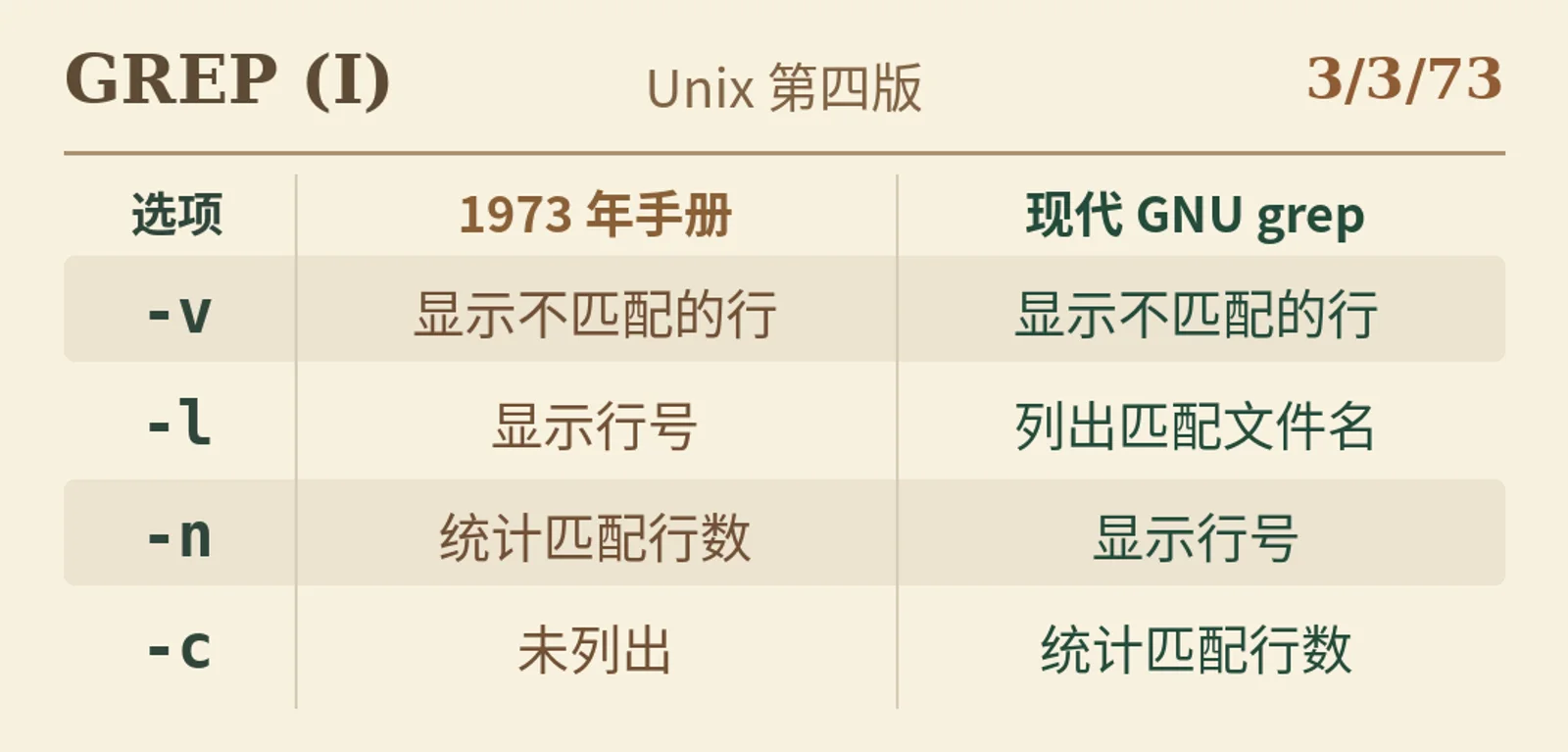
Modern GNU grep uses -n for line numbers and -c for counting matching lines. If a line contains ERROR three times, grep -c 'ERROR' app.log still counts that line once.
Two Siblings: egrep and fgrep
As Unix evolved, Alfred Aho developed egrep for extended regular expressions and fgrep for fast fixed-string multi-keyword matching (using the Aho–Corasick algorithm). By 7th Edition Unix, both shipped alongside grep. GNU grep merges them: -E enables extended regex (like egrep) -F treats pattern as fixed strings (like fgrep)
Example: filter lines starting with WARN or ERROR: grep -E '^(WARN|ERROR) ' app.log Search for a literal dot in a version string: printf '%s\n' v1.2 v1x2 | grep -F 'v1.2' Outputs only v1.2. For new scripts, grep -E and grep -F are recommended.
Pipes Make grep Powerful
Unix pipes ( |) let grep consume stdout from other commands, enabling composable text processing.
Concrete example: file grep-demo.log contains:
INFO start
WARN slow
ERROR disk full
INFO retry
ERROR disk full
ERROR timeout
Pipeline to count distinct errors by frequency:
grep '^ERROR ' grep-demo.log |
  sort | uniq -c | sort -nr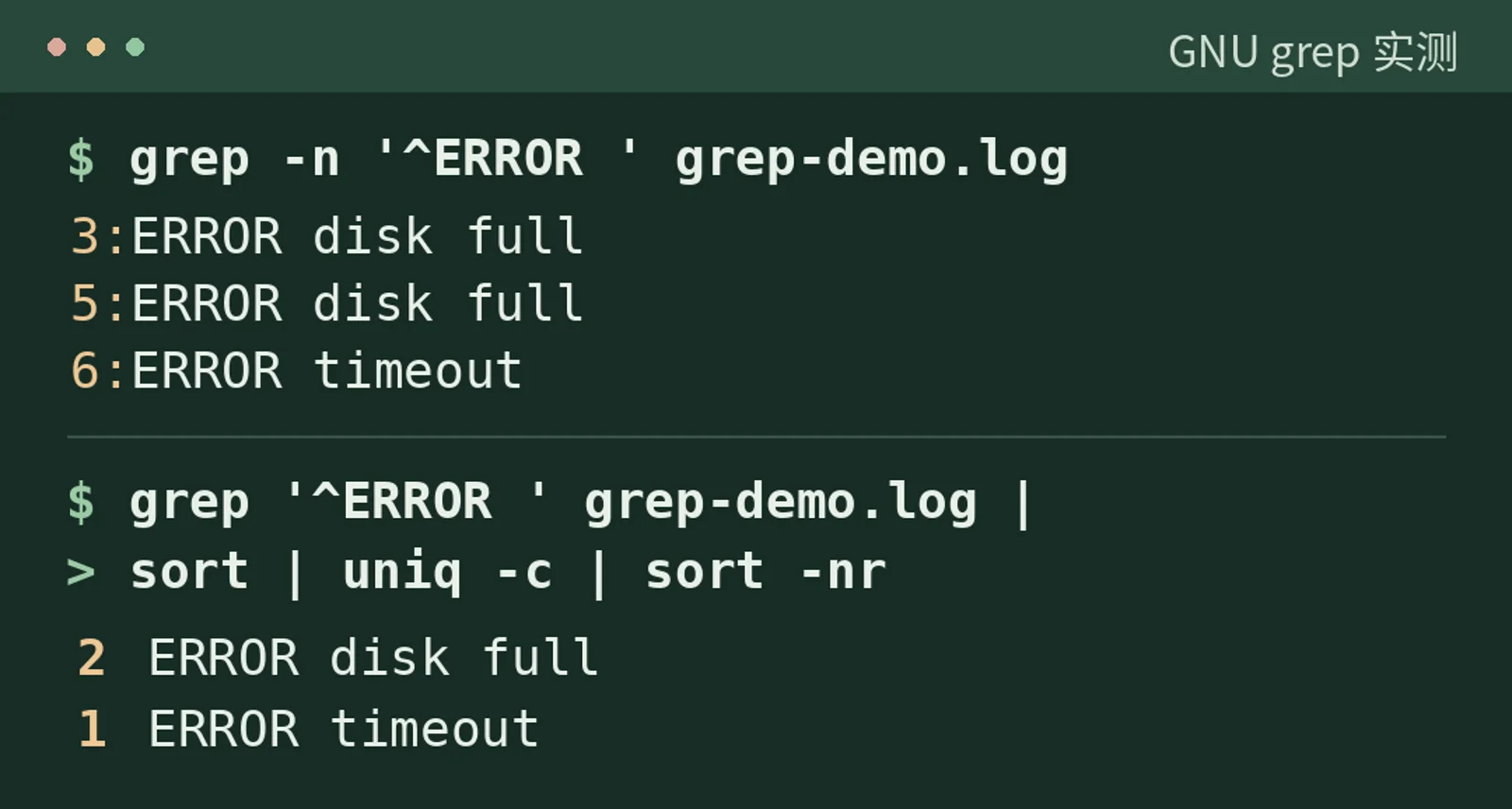
Result:
2 ERROR disk full1 ERROR timeoutgrepfilters, sort orders, uniq -c merges and counts. For timestamped logs, extract the relevant field before counting.
Why grep Survived Half a Century
grep's success influenced later Unix tools like sed (stream editor). The Unix philosophy — each program does one thing well, connected via uniform I/O — remains central. Next time you type grep, remember the ancient g/re/p and the Bell Labs researchers who solved large-text search overnight.
For questions about attribution, corrections or content rights, please contactand we will review it promptly.