

From Command Line to GUI: The Evolution of Operating Systems
This article traces the history of operating systems through five generations — from manual hardware manipulation and batch processing to multiprogramming, time-sharing, personal computer GUIs, and modern networked mobile and cloud-era systems — highlighting key milestones like MS-DOS, Macintosh, Windows 95, Linux, and Android/iOS, along with emerging trends in AI, cross-device continuity, and cloud dependence.
Reading font
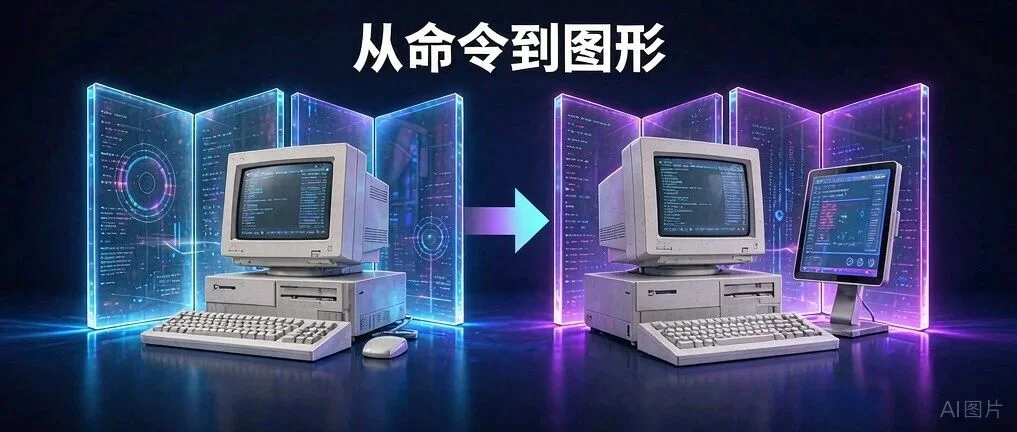
First Generation: Manual Operation (1940s-1950s)
Early computers had no operating system. Programmers operated hardware directly by plugging cables and flipping switches. The analogy: driving a primitive car where you manually adjust throttle, ignition, and gears. Only one program could run at a time, resulting in extremely low efficiency.
Second Generation: Batch Processing Systems (1950s-1960s)
Jobs (programs + data) were collected and submitted in batches to the computer. The analogy: a laundry shop that washes clothes in batches rather than one by one. This reduced idle time from manual intervention, allowing the computer to work continuously, but users still waited long for results.
Third Generation: Multiprogramming and Time-Sharing Systems (1960s-1970s)
Multiprogramming : Multiple programs reside in memory simultaneously; the CPU switches rapidly between them. When one program waits for I/O, the CPU executes another. Analogy: a chef watching several pots — while one simmers (waiting), the chef stirs another.
Time-Sharing Systems : Multiple users share a single computer via terminals. Each user gets a tiny CPU time slice (milliseconds), creating the illusion of exclusive access. Analogy: a super-fast carousel where each rider sits for only a second but the rotation is so fast everyone feels they are always on it. This was a major breakthrough — computers shifted from "one person's toy" to "everyone's tool."
Fourth Generation: Personal Computer Era (1980s)
In 1981, the IBM PC launched with Microsoft's MS-DOS , a command-line interface requiring users to memorize and type commands — fine for professionals, difficult for ordinary users.
In 1984, Apple released the Macintosh , introducing the first mass-market Graphical User Interface (GUI) featuring:
Desktop
Windows
Icons
Mouse-click operation
Analogy: moving from reading a text manual to following a picture guide — far more intuitive.
Microsoft followed with Windows 1.0 in 1985, but the breakthrough came with Windows 95 in 1995, establishing the modern Windows paradigm: Start menu, taskbar, desktop icons.
Fifth Generation: Network and Mobile Era (2000s-Present)
Operating systems now manage network connections, mobile devices, and cloud computing. Key players include:
Windows XP/7/10/11 : continuously refined desktop OS
macOS : Apple's OS, known for aesthetics and stability
Linux : dominant in servers and the foundation of Android
Android/iOS : the two major mobile operating systems
Operating System Development Trends
Intelligence : OS integration of AI features — smart assistants (Siri, Cortana), intelligent search, voice control.
Cross-Device : One OS spanning multiple devices — e.g., Apple's Handoff enables seamless switching between phone and computer.
Cloud-Native : Increasing reliance on cloud — Chrome OS is essentially a browser; Windows enhances cloud capabilities.
Key Exam Points (Software Qualification Exam)
OS development stages: Manual → Batch → Multiprogramming/Time-Sharing → Personal Computer → Network/Mobile
Characteristics of batch processing systems
Characteristics of time-sharing systems (multi-user, interactivity, timeliness)
Significance of Graphical User Interface (GUI)
Summary
The evolution of operating systems is a process of making computers increasingly accessible. From command lines only experts could use, to graphical interfaces everyone can use, to touch interactions on phones — each step lowers the barrier to entry. Future OSes will be more intelligent and seamless, becoming virtually invisible.
For questions about attribution, corrections or content rights, please contactand we will review it promptly.