

Inside DSH Prompt Flow: From User Input to Tool Callback
This article traces the complete prompt lifecycle in DeepSeek Harness (DSH), detailing how user input becomes model-visible context, how tool calls are parsed from SSE streams, executed through a guarded pipeline, and returned as model-readable tool-result messages that trigger the next reasoning step.
Reading font
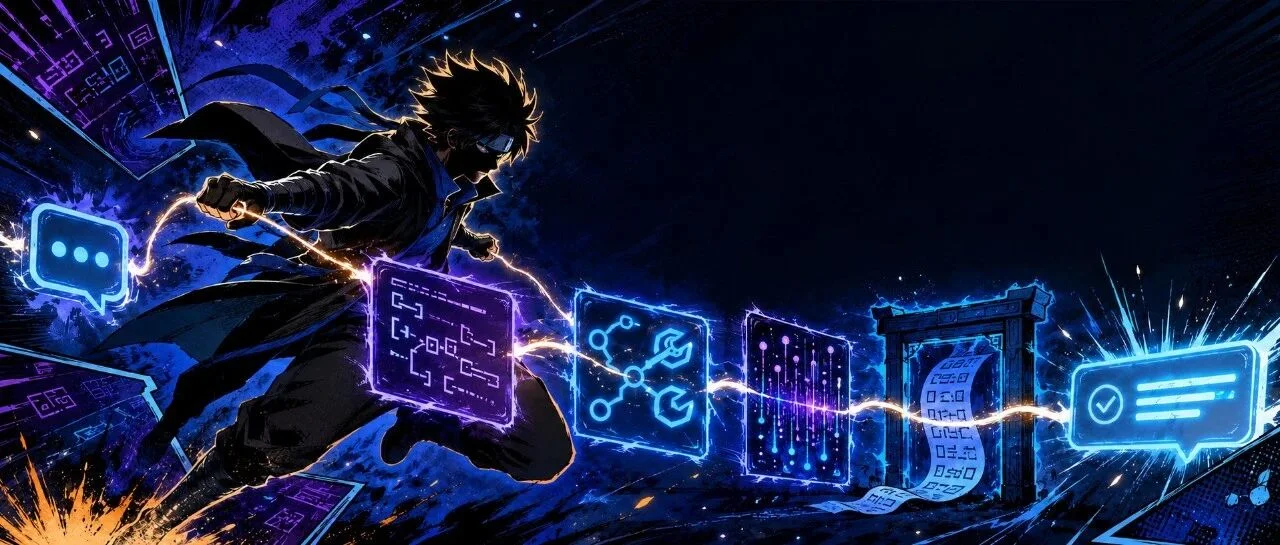
The author begins by identifying five distinct data types that coexist in a single user question → model answer → tool execution cycle. The most confusing pairs are assistant/chunk (raw streaming deltas) versus assistant/message (assembled complete message), and tool/call (logged raw arguments) versus tool/result (model-visible result block). Understanding this distinction is the key to reading the source code.
Complete Data Flow
Using the example "Read README.md and tell me what the project does", the article walks through a turn (one user request) that may contain multiple steps (each step = one model request plus all tool calls it requires). A turn with only text output has one step; a turn that calls read then answers has two steps in the same turn.
Step-by-Step Walkthrough
1. After User Input, What Does the Program Do First?
The frontend/SDK wraps the text into a UserMessage and pushes it into the Agent's inbox via agent.followup(). This is not yet permanent history. The Agent Loop opens turn/start, claims the input, and runs the agent/pre-step waterfall — an extension point that can reject, rewrite, or inject one-off context.
Before pre-step, the loop calls ctx.systemPrompt.assemble() where all mounted plugins contribute their sections, context variables, and visible tool schemas for this step. A runtime-context snapshot is created as an extra user-role message; it is only added when different from the previous snapshot, avoiding repetition of sandbox or approval info on every step.
After pre-step passes, the loop writes step/start, then appends the user input and the dynamic snapshot as user/message events. The principle: model-visible information must be recorded — not slipped into memory, but written to Session first, then projected to the model.
2. What Is Actually Sent to the Model Right Now?
The Agent Loop calls session.deriveMessages() to rebuild history from model-visible Session events, combines it with the assembled system prompt and tool schemas into a GenerateOptions object with three independent channels: system, messages, tools — not one big system prompt.
The article shows the internal TypeScript representation (Harness provider-agnostic):
{
  provider: 'deepseek',
  model: '...',
  system: '身份、persona、工具使用规则等 section 拼出的文本',
  messages: [
    { role: 'user', content: [{ type: 'text', text: '读取 README.md,告诉我项目是做什么的。' }] },
    { role: 'user', content: [{ type: 'text', text: 'Current runtime context. ...' }] },
  ],
  tools: [
    {
      name: 'read',
      description: 'Read a UTF-8 text file and return line-numbered content.',
      parameters: { type: 'object', properties: { file_path: { type: 'string' } }, required: ['file_path'] },
    },
  ],
  sessionId: '...',
  signal: AbortSignal,
}
The dsh-llm-deepseek adapter then translates this into DeepSeek's wire format: system becomes the first { role: 'system' } message; ordinary history maps to user / assistant roles; tool schemas become
tools: [{ type: 'function', function: { name, description, parameters } }]; and the request includes stream: true and stream_options: { include_usage: true }.
3. How Does the Program Parse the Model's Tool Call?
DeepSeek returns JSON increments via SSE. When a tool is chosen, increments appear in choices[].delta.tool_calls containing call id, function name, and segmented function.arguments string. After full assembly, an example looks like:
{
  "id": "call_read_123",
  "type": "function",
  "function": {
    "name": "read",
    "arguments": "{\"file_path\":\"README.md\"}"
  }
}
Two translation layers occur, neither skippable: packages/llm/llm-deepseek/src/translate.ts reads SSE and converts text, reasoning, and each tool call into unified StreamChunk types (e.g., text-delta, reasoning-delta, tool-call-delta, block-end, finish).
The Agent Loop records every StreamChunk as assistant/chunk and feeds it to BlockAssembler. At stream end, BlockAssembler reassembles complete text, reasoning, and tool-call blocks by block index, producing one assistant/message.
Inside Harness the tool call becomes:
{
  type: 'tool-call',
  id: 'call_read_123',
  name: 'read',
  arguments: '{"file_path":"README.md"}',
}
Arguments remain the raw model string at this point so Session can precisely replay what the model requested. Only when execution is about to happen does the scheduler attempt JSON.parse(); empty string is treated as {}, invalid JSON passes through as-is to the tool's parameter validation, becoming a model-returnable error result rather than crashing the host.
4. Tool Execution Passes Through a Pipeline
The Agent Loop extracts all tool-call blocks from assistant/message in model-given order and writes tool/call events. Parallelizable tools run concurrently, but results and extra context are submitted in the original call order so history never reorders due to completion timing.
Each call goes to ctx.tools.execute() through these steps: ToolRuntime copies and freezes arguments, resolves the tool definition visible in the current Agent scope. tools/pre-execute waterfall decides allow/deny/require-approval, then runs guards that cannot be relaxed by pre-plugins. tools/execute waterfall invokes the real implementation: read calls the filesystem provider, bash spawns via shell/subprocess provider, web_search calls the web provider. Tools depend only on capability interfaces, so local and remote sandbox implementations are interchangeable.
For tools defined via defineTool(), arguments are validated against the same JSON Schema sent to the model; invalid args become INVALID_ARGS error results. Successful returns are validated against output schema and rendered as model-readable ContentBlock[]. tools/post-execute can accept, replace, supplement, or suppress the result; finally the tool's finalizeContent and tools/result observers handle the final result.
The Agent Loop writes two event types: tool/call (tool name + raw arguments) and tool/result (model-readable result with same callId), the latter projected as an internal user-role ToolResultMessage:
{
  role: 'user',
  content: [{
    type: 'tool-result',
    toolCallId: 'call_read_123',
    content: [{ type: 'text', text: '1:
# DeepSeek Harness
...' }],
    isError: false,
  }],
}
The DeepSeek adapter converts this to wire format
{ role: 'tool', tool_call_id: 'call_read_123', content: '...' }, which must immediately follow the assistant tool-call message that produced that id so the model can associate result with request.
Why Does the Tool Result Make the Model Answer Again?
Tool completion does not end the turn. The Agent Loop starts the next step in the same turn, reassembles the prompt and visible tools, and re-derives history from Session. That history now contains: the original user question, the model's tool-call, and the tool-result. The model therefore reads the README.md content and outputs "This project is…".
If the new response has no tool-call blocks, the loop records the final assistant/message, writes step/end and turn/end, and the UI/SDK displays the answer from Session events.
In short: tool results are not stitched into the final answer by the program; they become input to the next model request . The model still decides how to interpret the result, whether to call more tools, and how to reply to the user.
Summary
The DSH prompt flow condenses to one main line: everything visible to the model must enter Session first, then be projected to the model.
Five data types are the map for reading the source — especially the distinction between assistant/chunk, assistant/message, tool/call, and tool/result: the former are raw records, the latter are what the model actually sees next round.
Every step reassembles the full context — system prompt, runtime snapshot, history messages, tool schemas travel in three separate channels ( system, messages, tools), not stuffed into one giant text block.
Tool calling is an execute–write-back–re-request loop — after the model returns a tool-call, the program executes it and writes the result as a user-role message with the same callId. On the next request the model re-reads the full history and decides how to interpret the result.
Provider boundary only translates, never changes logic — the internal tool-result message and DeepSeek's role: "tool" are two representations of the same thing.
When encountering prompt-related code, think from these three angles and the DSH prompt flow will no longer be a fog:
Was this message written to Session?
Will it be projected in the next deriveMessages?
What format will the provider adapter translate it into?For questions about attribution, corrections or content rights, please contactand we will review it promptly.