

Master Touch Gestures in Web Apps with AlloyFinger – Tiny JS Library
AlloyFinger is a tiny, feature‑rich JavaScript library from Tencent that enables scaling, rotation, dragging, tap, double‑tap, swipe and long‑press gestures on both DOM and Canvas elements, with a full code example showing how to move and zoom an image.
Reading font
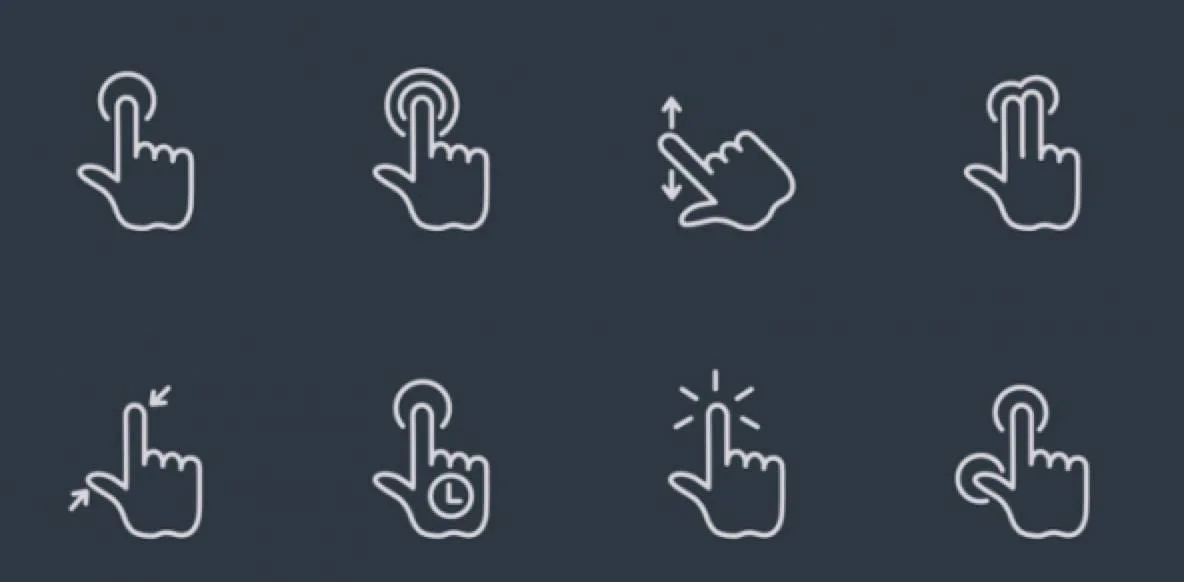
Tencent's front‑end team recently released a lightweight JavaScript gesture library called AlloyFinger on GitHub.
Only a few kilobytes in size, it provides comprehensive touch support including scaling, rotation, dragging, tap, double‑tap, swipe and long‑press, and can handle gestures on both DOM elements and Canvas objects.
The library is already used widely within Tencent’s internal products such as QQ groups, QQ Animation and various AlloyTeam projects.
Below is the official example and a complete code snippet that demonstrates how to enable moving and scaling of an image using AlloyFinger.

<!DOCTYPE html>
<html>
<head>
<title>test</title>
<meta name="viewport" content="width=device-width,minimum-scale=1.0,maximum-scale=1.0,user-scalable=no" />
<!-- import JS library -->
<script src="asset/transform.js"></script>
<script src="alloy_finger.js"></script>
<script src="asset/to.js"></script>
</head>
<body>
<img id="Img" src='3.jpg' width="160px" />
<script type="text/javascript">
var targetImg = document.getElementById("Img");
Transform(targetImg);
var initScale = 1;
new AlloyFinger(targetImg, {
  pressMove: function(evt) {
    targetImg.translateX += evt.deltaX;
    targetImg.translateY += evt.deltaY;
    evt.preventDefault();
  },
  multipointStart: function() {
    initScale = targetImg.scaleX;
  },
  pinch: function(evt) {
    targetImg.scaleX = targetImg.scaleY = initScale * evt.scale;
  }
});
</script>
</body>
</html>
The project repository can be found at https://github.com/AlloyTeam/AlloyFinger.
For questions about attribution, corrections or content rights, please contactand we will review it promptly.