

Student-Built DeepSeek Harness Plugin Enables Multi-Agent Comparison, 335K Downloads
A Xiamen University advertising student developed dsh-agent-compare, an open-source DeepSeek Harness plugin that runs 2-4 AI agents in parallel using Git Worktrees, supports blind selection of model outputs, automated verification via lint/test/build, and interactive web previews, reaching 335K npm downloads in under a month.
Reading font
Background
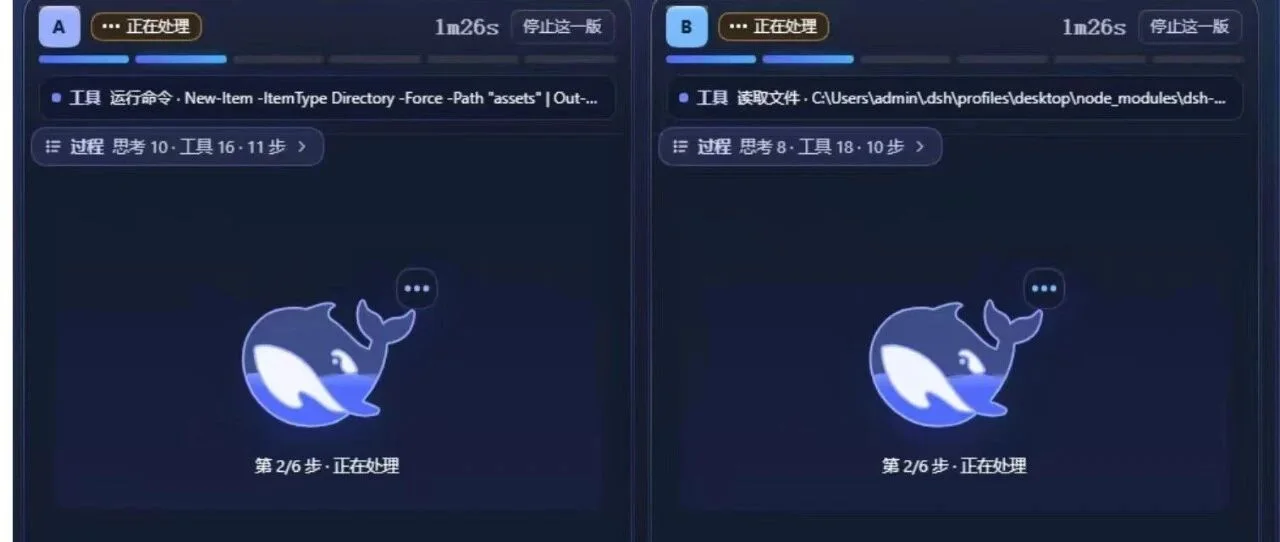
Iterating on AI-generated code often requires repeatedly adjusting prompts and regenerating, which is time-consuming. To address this, a developer created dsh-agent-compare (Chinese name: 鲸挑细选), an open-source plugin for DeepSeek Harness (DSH) that introduces multi-agent parallel comparison.
Developer Profile
The plugin was built by Li Jiaqi, a sophomore advertising major at Xiamen University. He previously interned as an AI product manager at Alibaba's Fliggy and is set to intern at Lenovo Baiying. Despite not being a senior programmer, his plugin topped the DSH plugin market download chart within a month.
Adoption Metrics
Open-sourced for less than a month, the package accumulated 335,762 npm downloads and reached #1 on the DSH plugin marketplace download ranking.
Core Architecture: Git Worktree Isolation
Running multiple agents simultaneously risks code conflicts. The plugin uses Git Worktree to create an independent working copy for each candidate solution. Each version also launches a separate DSH session, preserving its own execution history and file changes.
Comparison Modes
Single model, multiple styles: One model completes the same task using different stylistic approaches.
Multiple models, same requirements: Different models compete under identical instructions.
The plugin ships with eight preset styles and allows user-defined styles.
Blind Selection Mechanism
To reduce bias, the plugin can enable blind selection . Candidate versions are randomly labeled A, B, C, D while hiding model and style information. Users choose based on output quality alone; afterward, the corresponding model, style, and token usage are revealed.
Automated Verification & Interactive Preview
Code generation is only the first step. For projects with configured scripts, the plugin runs type checking, linting, unit tests, and build scripts on each version. For web development tasks, it spins up independent preview environments so users can click buttons, fill forms, navigate pages, and compare desktop/mobile viewports side by side.
Safe Merge & Rollback
Before writing back to the main project, the plugin shows code diffs and verification results . It checks whether the selected changes merge cleanly with the user's current uncommitted work. Conflicts or failed verifications block the merge. After adoption, a saved recovery record allows one-click undo.
Installation
DSH Web (CLI)
dsh plugin --profile web add dsh-agent-compareDSH Desktop (GUI)
Open the app → Plugins → Add Plugin → enter dsh-agent-compare → install. Then enable the toggle in the installed plugins list.
Usage Example
The author demonstrated the plugin by designing its own homepage. Four styles — steady, bold, minimalist, vibrant — were fed to the same model. The resulting variants were compared via blind selection and live preview.
Note: More parallel generations consume tokens faster; choose the number of agents based on actual needs.
For questions about attribution, corrections or content rights, please contactand we will review it promptly.