This article explains why Python virtual environments are needed, how to create and manage them with venv, and compares the main package management tools pip, pipenv, and poetry, offering guidance on selecting the appropriate tool for different project scenarios.
This guide explains what Python virtual environments are, how to create and activate them using the built‑in venv module or Pipenv, and provides detailed commands for installing, updating, and removing packages as well as best‑practice recommendations for maintaining clean, reproducible development setups.
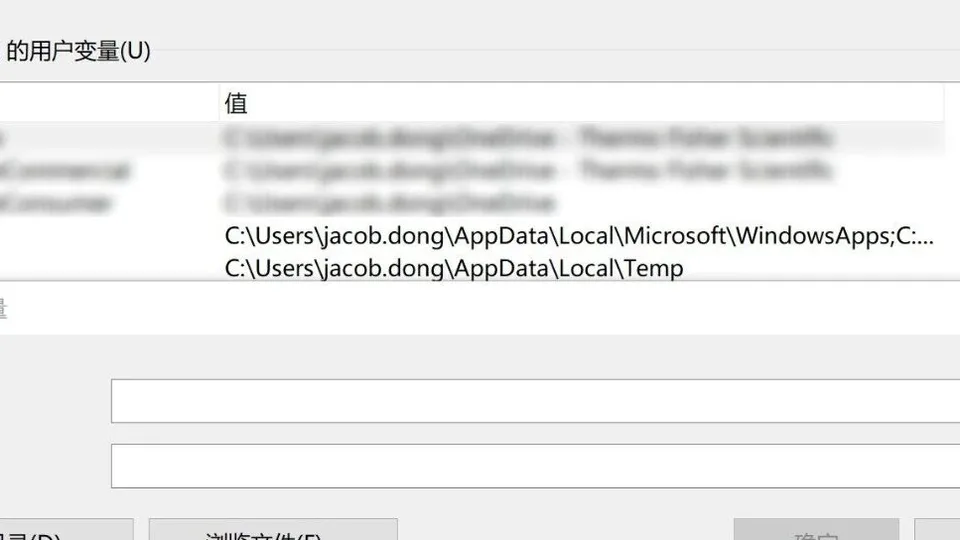
This guide explains how to handle multiple Python installations, set environment variables, create separate pipenv virtual environments for each version, and troubleshoot common path issues such as the Windows Store Python hijacking, providing step‑by‑step commands and screenshots.
This guide explains how to install and configure pyenv on Linux, manage multiple Python versions, use common pyenv commands, resolve typical installation issues, and employ Pipenv to isolate project dependencies, including installation and essential Pipenv commands.
This guide explains what Pipenv is, how to install it, its advantages and drawbacks, and provides step‑by‑step instructions for creating virtual environments, managing packages, sharing projects with a team, and integrating Pipenv into PyCharm.
The macOS 12.3 update eliminates the bundled Python 2 interpreter, sparking developer reactions and prompting a discussion of Python’s popularity, its version incompatibilities, and the myriad environment‑management tools like pipenv that aim to tame the language’s historically chaotic setup.
This article provides a comprehensive guide to Python package management and virtual environment tools, covering pip, easy_install, virtualenv, venv, pipenv, pyenv, and autoenv, with installation commands, usage tips, and best‑practice recommendations for developers.
This guide explains how to install, configure, and use pyenv, pipenv, and autoenv to create flexible, accelerated Python development environments, covering installation commands, shell configuration, plugin management, virtual environment handling, and common usage examples.
This article introduces pipenv, explains its concepts, installation methods, virtual environment creation, package management, and commands for handling dependencies, generating Pipfiles, and removing environments, providing a comprehensive tutorial for Python developers in practice.
This article explains how to handle Python library and application dependencies, specify version ranges, use tools like pipenv, poetry, Dependabot, and Mergify to create reproducible deployments and automate safe updates, ensuring reliable production releases.
This tutorial explains how to create a Docker image that combines Python, Node.js, pipenv, and pm2, push it to Docker Hub, and set up automated builds linked to a GitHub repository for continuous integration and deployment.
This guide walks Node.js developers through Python equivalents—pipenv for package management, nodemon for live reload, Sanic as an async web framework, and pm2 for process monitoring—offering concrete commands, configuration tips, and platform‑specific caveats.
This article introduces Pipenv, the official Python package manager, explains its deterministic environment handling, installation steps for Windows and macOS, key features, core commands, shell completion tricks, and provides visual guides and documentation links for seamless integration into Python projects.
Discover how Pipenv streamlines Python package management by automatically creating virtual environments, handling Pipfile and Pipfile.lock, offering deterministic builds, simplifying .env integration, and providing powerful commands like install, uninstall, lock, and graph, with step-by-step installation instructions for Windows and macOS.
This article explains how to simplify Python project dependency handling using Pipenv, covering installation, Pipfile management, development versus production packages, virtual environment activation, and practical command‑line examples for seamless workflow integration.